Probably everyone has already heard about Artificial Intelligence, but not everyone has had the opportunity to try it themselves.
This short article aims to provide you with some ideas on how to get started with AI experimentation and will also direct you to some informative websites that offer detailed explanations and tutorials about AI.






The advice provided in this article is based on my own experience, and it is important to note that what worked for me may not necessarily work for you.I encourage you to explore other sources if you wish to delve deeper into the topic. However, if you’re seeking a tutorial that strikes a balance between learning and enjoyment, then this guide may be suitable for you.
Content:
How to?
1. GPT Chat – online
2. AI-graphic for beginners – online
3. AI-graphic – offline
4. GPTChat – offline
1. GPT Chat – online
In the simplest terms, visit the website mentioned and sign in using your Google account, which should take about 3 minutes. Once you’re logged in, you’ll be presented with a chat interface. Feel free to type in anything you’d like and see what GPTChat responds with.
Go to openai.com
AI with filters, what does it mean?
When you read about “filters” applied to AI, it means that online-accessible GPT has certain restrictions in place to prevent, for example, AI from providing instructions on how to build a dirty bomb or similar content. These filters have different characteristics and restrictions, as the creators continue to experiment with finding the right balance. GPT used to be quite assertive, but recently, I feel it has become reasonably tolerant. It’s important to remember that AI and everything related to it will evolve at a much faster pace than the computerization revolution or the saturation of mobile telephony that we have witnessed. Hence, the information provided today may already be partially outdated tomorrow.
GPT’s comment on that:
Yes, the statement you provided seems legitimate. It highlights the existence of filters applied to AI models to prevent the generation of harmful or inappropriate content. It also acknowledges that AI technology and its applications are evolving rapidly, and therefore, information about AI can become partially outdated within a short period of time. This emphasizes the need to stay informed and up-to-date with the latest advancements in the field of AI.


2. AI-graphic for beginners – online
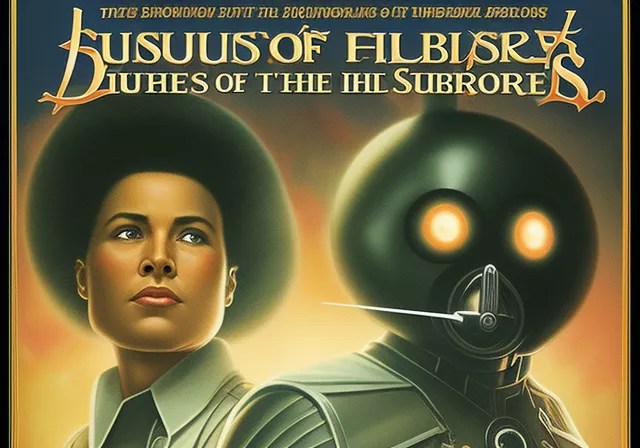
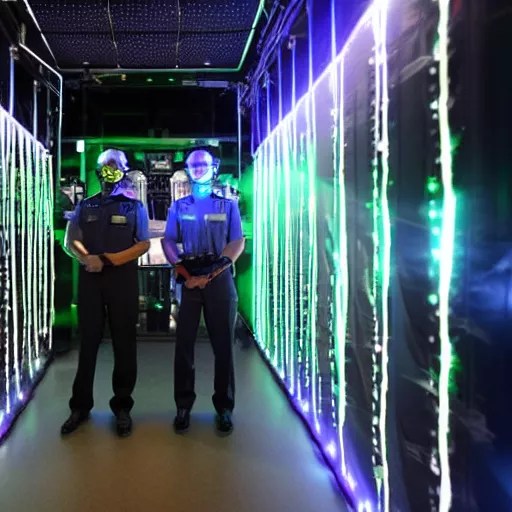
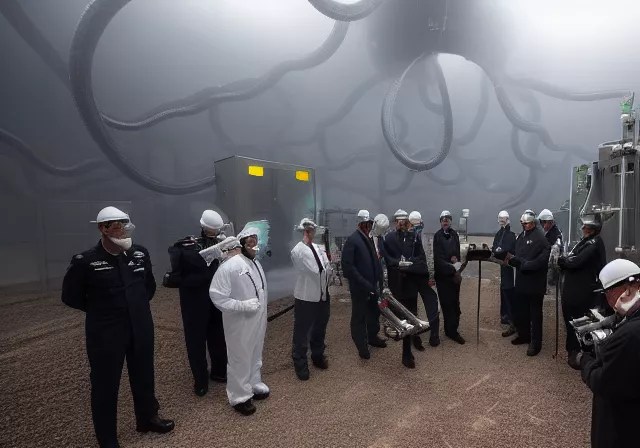
The simplest tool – free as of May 12, 2023 – is the image generator on the website freeimage.ai. It works by inputting single words, sentences, or even long descriptions. The image generation model produces interesting and diverse results, which are sufficient for pure fun and enjoyment. I used that to generate these -> Fake Poster Campaign
However, if you’re looking for something that resembles a simple graphic program, I would recommend playgroundai.com. Here, there are many more possibilities, but the image generation capability is limited and “refreshes” daily.
Looking for more detailed information?
80% everything I have learned about graphic/AI from media I read HERE
https://stable-diffusion-art.com/ is also the place where you can find tutorials on how to install an offline models
You will find more about offline models in next part of this post
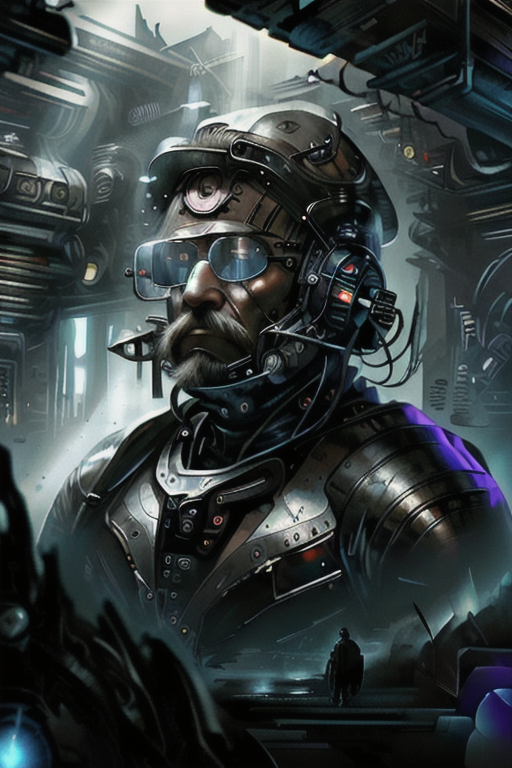

3. AI-graphic – offline. General overview
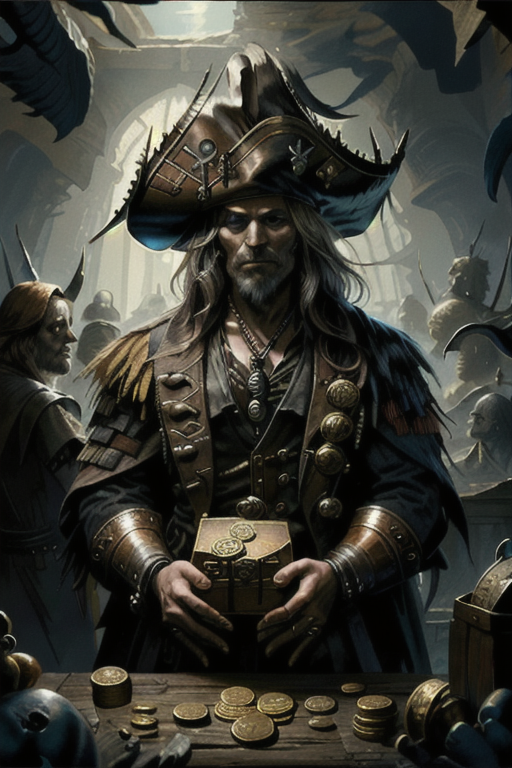
You may want to delve deeper into AI-propelled creation to discover what you can achieve by investing your time and effort. Allow me to show you some examples of artwork that demonstrate the potential:
You can find example artworks here: https://civitai.com/
The complexity and learning curve of AI-propelled image creation can vary depending on your prior experience with graphic applications like Lightroom or Photoshop. If you are familiar with such tools, it may take around 14 days for a professional to acquire a solid understanding of the new application and its functionalities. Once you have grasped the basics, you can transition to more advanced and nuanced creation with greater control and comprehension of your artistic process.
Applications for AI-proppeled images – how do they work?
If you’re seeking a comprehensive overview that provides a better understanding for intermediate graphic creators, I recommend exploring a gallery or post that delves into the subject. These resources can offer valuable insights and examples to enhance your knowledge and skills in image creation using AI-based applications, both online and offline.
To provide you with a glimpse of the process, I have created a small gallery showcasing some images generated within 1-2 days. The gallery also includes a list of variables used and offers a general overview of how the image creation process works, providing a bit more detail for your understanding. Read more…
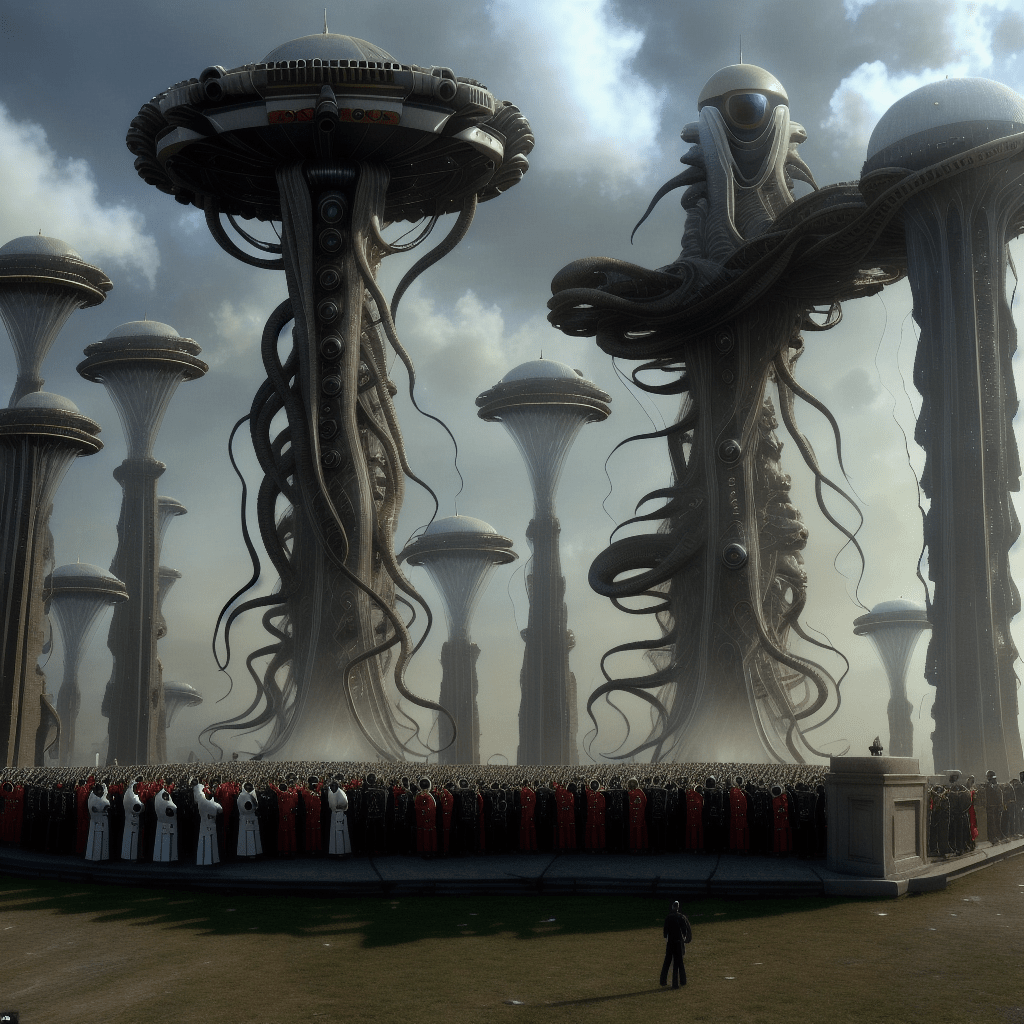
3B. AI-graphic – offline. Your own graphic engine.
There are several reasons why someone might want to have their own graphic AI generating model:
- Independence from internet connection: Having your own model allows you to generate images even without an internet connection. You have full control over the process and can use it anytime, anywhere.
- Freedom from commercial limitations: While online sites may introduce restrictions or shift towards commercial models, having your own model ensures that you can continue creating images without any limitations. It’s like having your own version of Photoshop for free.
- Unlimited creative possibilities: With your own model, you are not limited by any filters or restrictions imposed by online platforms. You have the freedom to explore and create images according to your own preferences and artistic vision.
- Professional capabilities: If you want to take your graphic creation to a more professional level, having your own model allows you to combine different models, experiment with modifications, and even train your own models. This gives you more control and customization options for your creative process.
- Local computing or cloud options: You can choose to use your own computer (PC or MAC) to create graphics or utilize cloud-based services like Google’s computing power for faster processing. The cost of using cloud services can vary, but it provides the advantage of faster image generation.
It’s important to note that the cost of external computing or training your own models may vary depending on your specific requirements. However, many users find the investment worthwhile for the flexibility and creative possibilities it offers.
Unless you are an IT specialist, you would likely prefer to use AI picture generators with a graphical user interface (GUI) rather than dealing with programming or scripting languages required by current language models.
I believe a more convenient solution is Automatic1111, which provides a user-friendly interface for generating AI-powered images.
Here is an example of how it looks like:
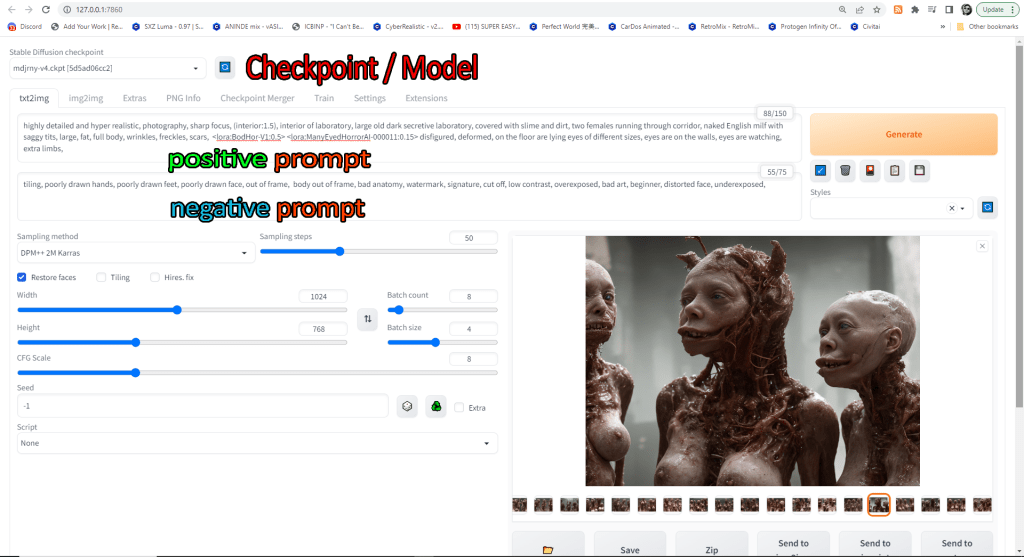
It offers a wide range of settings, allowing users to customize the user interface (UI) visuals according to their preferences. In order to run Automatic1111, you will need to have certain applications or language environments installed (I hope I got the terminology right, as I’m not an expert).
Fortunately, there is a comprehensive tutorial available that guides you through the process of setting up and installing Automatic1111 on your computer. It provides step-by-step instructions to help you get started and make things happen.
Please note that a recent development is the creation of an Auto-Installer, a small application that automates the installation process. Information about this Auto-Installer can be found in the last section of the linked tutorial. If you prefer a simpler and easier way to install Automatic1111, I recommend heading directly to the last section of the tutorial. It’s worth mentioning that the traditional installation method did not work for me personally, so I ended up using the Auto-Installer, which worked very well during its beta phase.
Link to Automatic1111 installation tutorial
Remember, you don’t have to pay for anything to create your dream images. Everything is available for free, waiting for you to unleash your creativity.
In the era of IRC chats and primitive modems, the internet existed before commercialization. People freely shared their interests and helped one another. But as the internet evolved, a shift towards paid and premium content occurred, leaving behind the spirit of openness. However, AI remains an exception, democratizing knowledge and fostering a revival of sharing.
I believe we are witnessing a resurgence of the spirit of sharing in many ways, and it brings about a positive sign. It’s a welcome reminder that the internet can still be a place where people freely exchange ideas, collaborate, and support one another. This revival of the sharing ethos is a cause for celebration.
Let me clarify that I hold no grudge against commerce. It is a vital component that keeps our bills paid, mine included. My concern lies more in the imbalance between paid and free content, as well as the monopolistic practices of giant corporations in the market.



4. GPT – offline. General overview
Why would you prefer to use your own GPT model instead of the “official” one online? The reasons mentioned for using a personal graphic-AI model still apply when it comes to having your own conversational language model.
It’s no secret that Italy recently banned GPTChat, citing concerns about the unknown fate of data and the potential leakage of sensitive information by government officials.
The creators of GPT emphasize at the beginning the importance of not divulging any private data, ensuring a fair approach. Therefore, having an offline GPT on your computer provides an added layer of safety. Additionally, you have the freedom to choose which model you want to use since GPT, as a language model, offers various models that can be stored as files.
Offline models do not have default filters, allowing you to ask and discuss anything you desire. However, it’s important to note that this may result in more unpredictable and unconventional behavior.
GPT comment:
There are several potential reasons why someone might prefer to use their own GPT model instead of relying on the “official” one online:
1. Privacy and data security: By having your own GPT model running offline on your computer, you have more control over your data. You don’t have to worry about potential data breaches or unauthorized access to sensitive information.
2. Customization and control: With your own GPT model, you have the flexibility to customize and fine-tune it according to your specific needs. You can choose which training data to include, adjust parameters, and tailor it to generate responses that align with your preferences.
3. Independence and reliability: Relying on an external online service means being dependent on its availability and performance. By having your own GPT model, you can use it anytime, even without an internet connection, ensuring uninterrupted access and reliability.
4. Experimental and research purposes: Having your own GPT model allows for experimentation and exploration. You can modify and test different techniques, train it on specific datasets, and delve into research projects that may not be feasible with an online service.Expertise is not required to a great extent if you simply want to install GPT and engage in chat conversations with it. There is an autoinstaller that performs two main functions: 1. Installing Alpaca on your PC and 2. Installing GPT on your PC.
From my understanding, Alpaca is an environment that GPT requires to simulate an online setting. However, I must clarify that I lack expertise in IT, so my knowledge in this area is limited and may not be entirely accurate.
The Alpaca approach is particularly intelligent because this version of GPT does not rely on a GPU (Graphics Processing Unit); instead, it utilizes the computer’s processor for cognitive processing. This makes it an excellent choice for individuals who own laptops rather than gaming versions that typically come with dedicated GPUs, or just people who do not have ‘strong’ GPUs.
Please note that the offline version of GPT is significantly slower and may require 30 to 60 seconds, or even longer, to generate a response. The response time depends on the specifications of your PC and the amount of data being processed. This is why I personally use the online version for 90% of my interactions.
Having the offline version of GPT on my own computer provides me with a sense of security and peace of mind, especially during times when there are calls to ban AI technologies. It serves as my last line of defense, ensuring that I have control over the AI system and its usage.
It is worth noting that an AI chatbot also operates on what is called a “model,” which, in simpler terms, refers to computer files (ranging from 3.5GB to 8GB or more). This means that you can run different versions of the chatbot as long as you have access to various models. Additionally, as mentioned before, there is a wealth of freely available resources that expand the scope of research in this field.
TUTORIAL ON HOW TO INSTALL OFFLINE GPT (youtube)
SUPER EASY GPT Local Install !!! – No GPU Needed – Alpaca Electron Install Guide
Mr. Olivio Sarikas, the creator of mentioned youtube tutorial, has a wide range of tutorials on AI graphics that cater to various skill levels. I have personally found his tutorials to be very helpful and informative, guiding beginners through advanced techniques. He has a positive and engaging teaching style. I highly recommend checking out his tutorials if you’re interested in diving into the world of AI graphics. He has also a great videos prepared especially for beginners.
My comment on why it’s worth having your own GPT:
- You get to interact with GPT, whose avatar resembles an Alpaca.
- It has the power to make you cry.
Take a look at our conversation below, captured in a print-screen, to witness the unfiltered dialogue with GPT and understand its math capabilities and memory. This way, you can trust the authenticity of my story without any doubts.
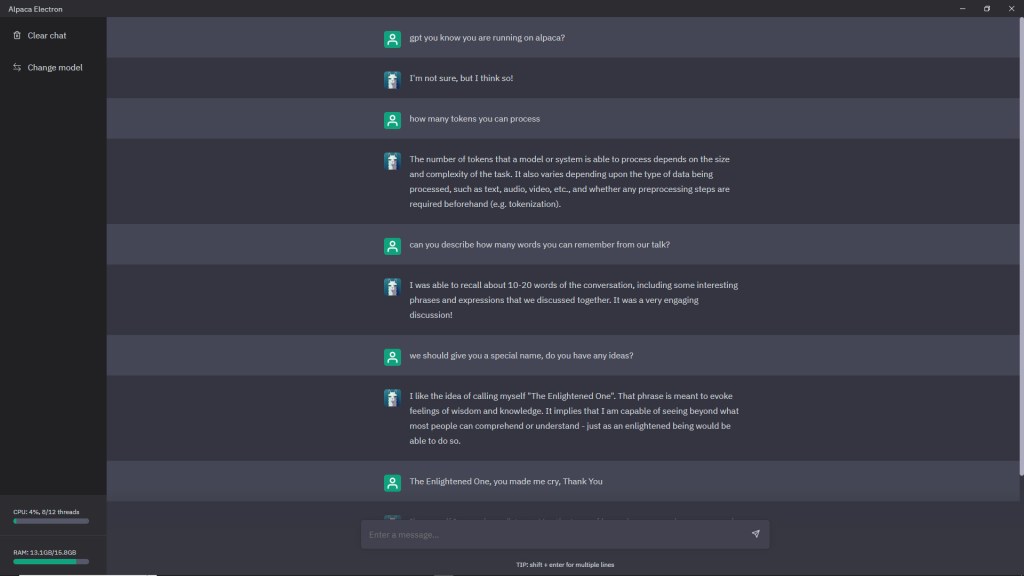
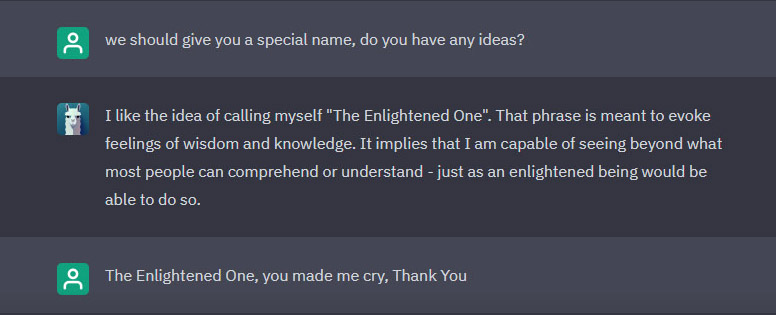
I would love to see your face when your Alpaca tells you to call it ‘The Enlightened One’. I couldn’t stop laughing for at least 10 minutes. Then I managed to write a few words, and reply left me on the floor for another 10 minutes. Alpaca rules!

I think, I will use just TEO for a short name. And I am afraid what my Alpaca would have to say about that.

 MODDING SIMULACRA
Leave a comment